
Feature
An AI teammate with its own computer
Every MatesBot teammate can have its own computer with a browser, a terminal, files, and a graphical desktop. That is why it can finish real work in your web tools instead of only telling you how, and you can watch the screen or take control whenever you want.
Sign up with your work email.
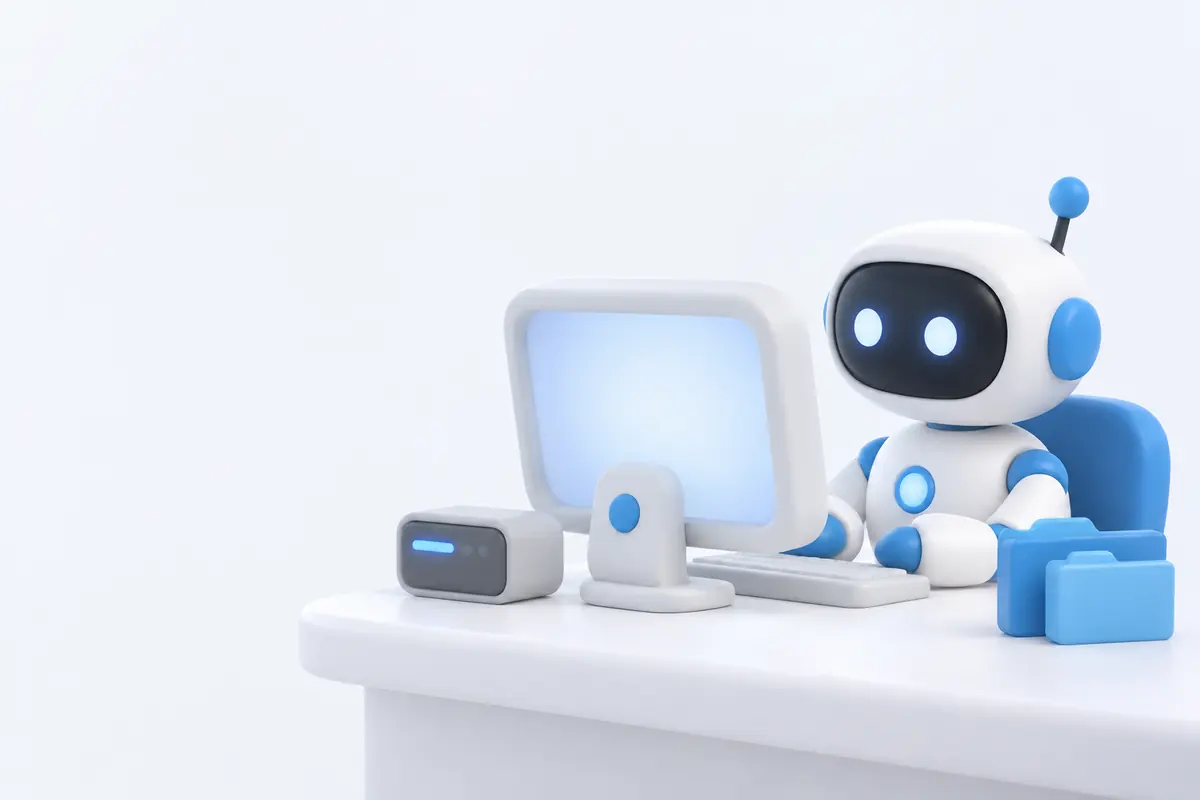
Chat assistants stop at advice. A teammate with a computer opens the portal, downloads the report, fills the spreadsheet, and sends you the file. It works in the background and comes back with a result.
There are two kinds of computer. A Team Computer has shared files and tools, and each active teammate on it gets its own desktop and its own browser profile. A Private Computer belongs to one teammate alone, which keeps its logins and files apart from everyone else. You can also switch the computer off for teammates that only need chat.
Computers start when they are needed and shut down when idle. The work is saved, so the next task picks up where the last one ended.
Last updated:
How it works
- 1
Choose the computer
When you create a teammate, pick Team, Private, or Off. You can change it later in the teammate's settings.
- 2
Give it a task in chat
Describe the job in plain words, attach files if needed (up to 10 per message, 50 MB each), or point it at a website.
- 3
It works in its own browser
The teammate opens sites, reads PDFs and spreadsheets, runs commands in the terminal, and saves files on its computer.
- 4
It hands you the screen when needed
For passwords, two-factor codes, CAPTCHAs, payments, and passkeys, it asks you to take over. You type, then hand the screen back.
- 5
You get the result
It replies with the finished file, chart, or summary, shared in chat with a short-lived link.
Example tasks
- Log in to a supplier portal every morning and download yesterday's orders as a spreadsheet.
- Read 20 scanned invoices, pull the totals into one sheet, and make a bar chart by vendor.
- Research 40 company websites and fill a lead list with what each one sells.
- Check your website on a phone-width browser and report broken pages.
- Fill the same web form for each row of a spreadsheet, then send you a summary.
- Teach it a task once by showing it on the computer, then put that task on a routine.
What stays in your control
- Watch live: see the teammate's screen while it works.
- Take control: take exclusive control of the screen, then hand it back.
- Passwords and keys go into a masked card. They are encrypted and never shown to the AI model.
- Approval rules, such as "Ask before purchases", make it stop and ask before sensitive steps.
Related features
- RoutinesSchedule work in plain language: daily, weekly, on a webhook, or once at a set time.Learn more →
- Approvals and securityApproval rules, an AI reviewer, encrypted secrets the model never sees, spaces, roles, and spend limits.Learn more →
- MemoryStanding rules, long-term memory, and shared company and department knowledge.Learn more →
Frequently asked questions
Can an AI teammate log in to websites?
Yes. It uses its own browser. When a site needs a password, a two-factor code, a CAPTCHA, a payment, or a passkey, it asks you to take over the screen, and you enter it yourself.
What is the difference between a Team and a Private Computer?
A Team Computer has shared files and tools, and each active teammate on it gets its own desktop and browser profile. A Private Computer belongs to one teammate only, so its files and logins stay separate.
Does the computer run all the time?
No. Computers start when needed and shut down when idle. The work on them is saved.
Can I see what it is doing?
Yes. You can watch the screen live, and take exclusive control at any moment.
Give your first teammate real work today.
Sign up with your work email. The Owner Bot sets up your company with you in chat.